

Choose the photo with a story attached
It does not have to be your best photograph. A half-finished breakfast, the view from a bus, or a blurred picture of your dog can bring back more than a carefully posed shot. Choose the image that makes you remember something beyond what is visible.
Keep the first entry manageable: one photo, one date, and one sentence. You can return to add more later. A page about a quiet Tuesday belongs in a photo diary just as much as a birthday or holiday.
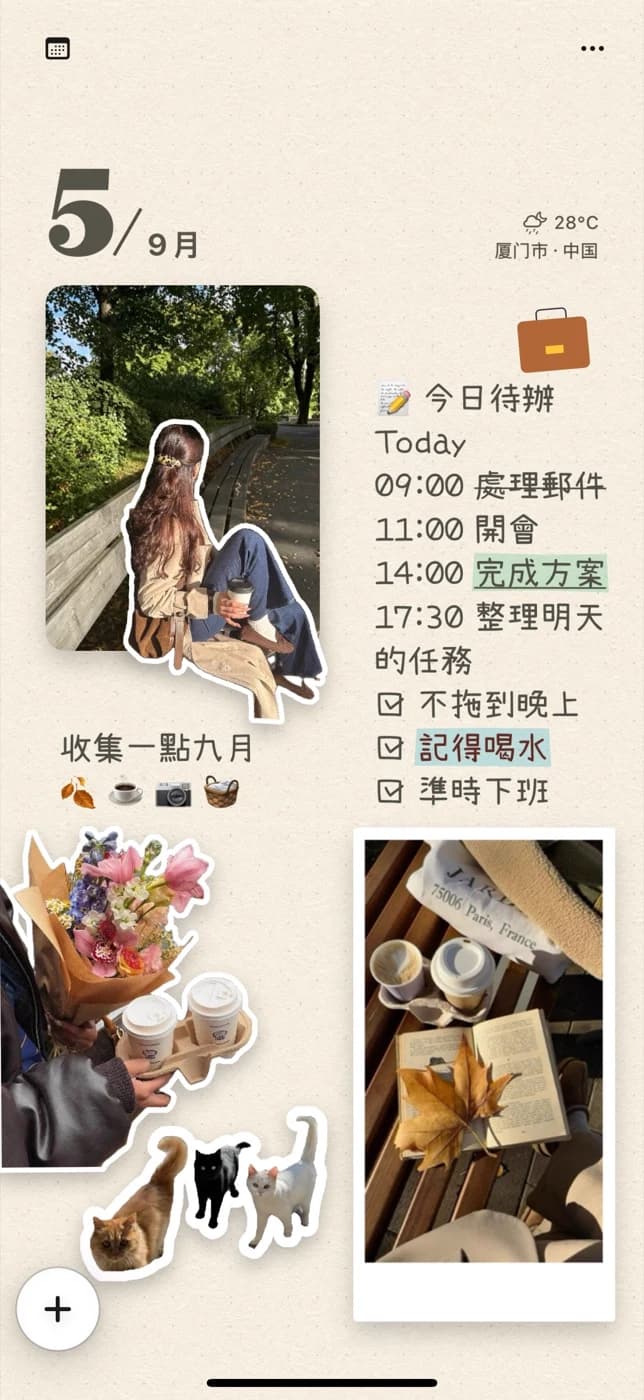
The same photo can tell three different stories
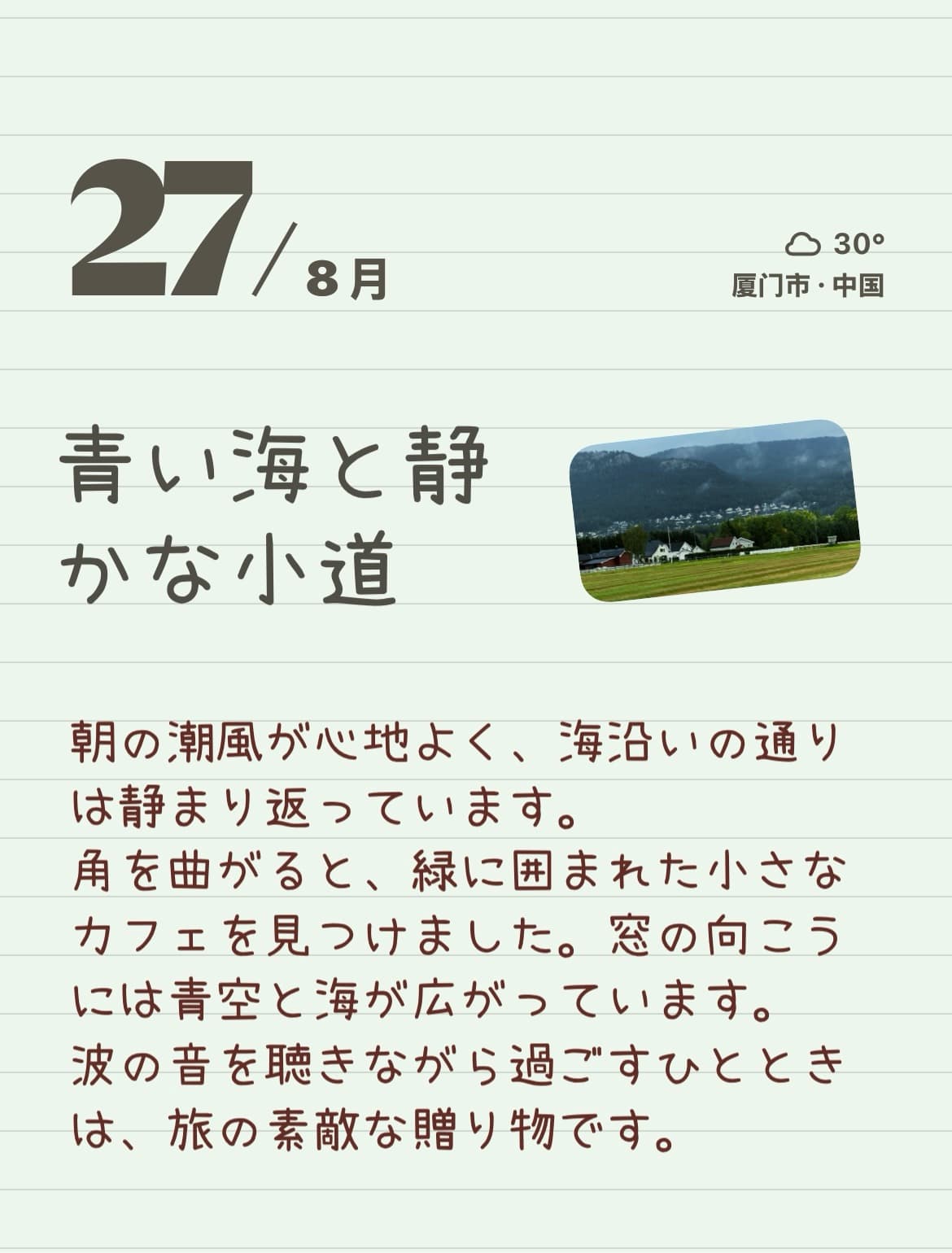
Try a minimal page when the picture says enough: one large image and a short line beneath it. For a diary page, make room for a paragraph beside the photo. For a collage, add a cutout detail and a small title to turn the scene into something more playful.
These are composition ideas, not modes you need to unlock. Place the photo and text as separate elements, then change the balance yourself. Photos embedded directly within running text are a separate Pro feature.
- Minimal: a single photo, a date, and a sentence.
- Diary: a photo with a short account of what happened around it.
- Collage: a photo, a personal sticker, and a few scattered words.
Write what the camera could not capture
Instead of describing the picture, add the missing detail. What were you talking about? What could you hear? Why did you stop there? “The café was closing, but we stayed to finish the story” gives a photo a different life from “Coffee with a friend.”
If you do not know where to start, finish one prompt: “I want to remember…”, “Just outside the frame…”, or “This felt like…”. A specific line can be enough; you do not need to turn every entry into an essay.
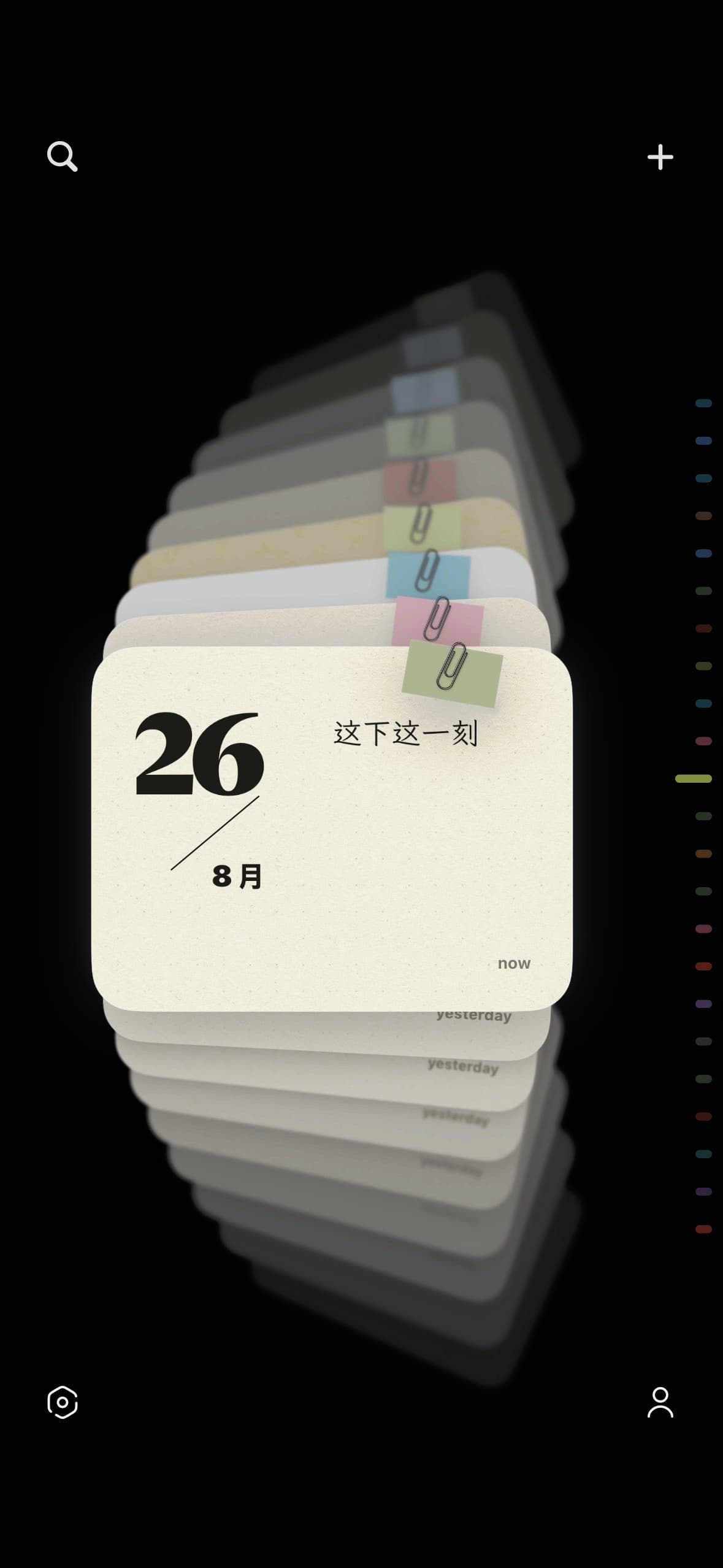
Keep a collection, one ordinary day at a time
Finished notes appear as cards, making it possible to browse your visual diary as a series of pages rather than a camera roll. Open an old entry when you want to continue the story or adjust its layout.
Notes are stored on your device. Basic editing does not need a network connection; downloading additional materials and using optional Pro iCloud sync do. Export a page as an image when you want a copy in Photos, and choose for yourself whether to share it.
Make your first page
Start with one photo and a moment you want to keep. This guide walks through a small, freely arranged page in PinyPiny using text, a separately placed photo, and a personal sticker. You can follow the same idea on iPad.
Make your first scrapbook page on iPhone.A few useful answers
How is a photo journal different from a photo album?
A photo album holds pictures. A photo journal adds your account of the moment: a conversation, a feeling, or a detail outside the frame. PinyPiny lets you arrange that text alongside the image.
Do I have to write every day?
No. Make a page whenever there is something you want to keep. A single image and a sentence can be a complete entry.
Can I save a journal page to my photo library?
Yes. PinyPiny exports a note as an image. Allow the requested Photos permission when saving; the editable note remains in the app.