

The everyday page
Coffee, a walk, a sentence you want to keep. A photo journal can start small.
Make a photo journal PinyPiny
Visual notes & collage journal · iPhone + iPad
A photo, a few words, a little piece of today. Make a page that feels like you — then keep it in a stack worth coming back to.
Free to download · Optional Pro features
A place for the things you keep
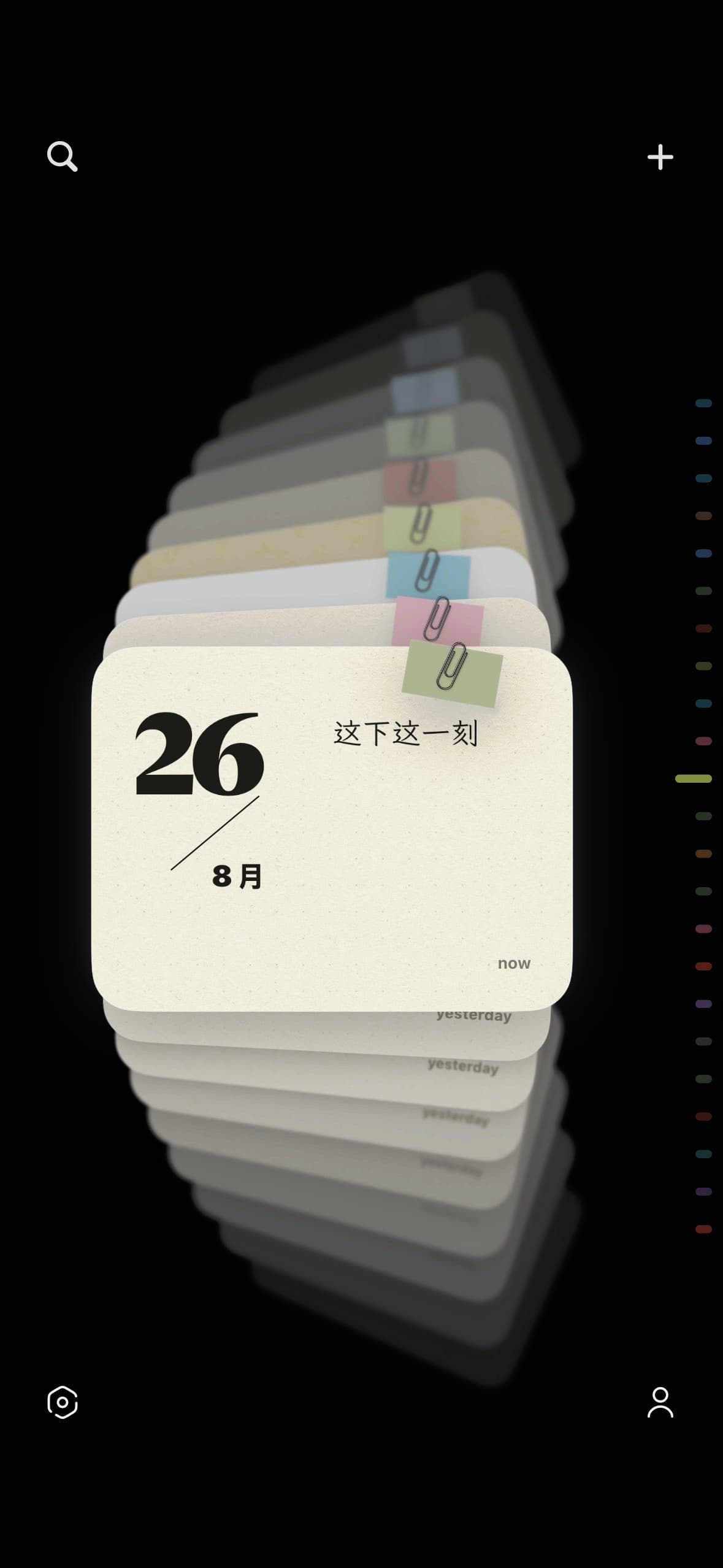
PinyPiny is a visual notes and collage journal app. Bring words, photos and stickers together on paper, arrange them freely, and revisit each page as a card.
Coffee, a walk, a sentence you want to keep. A photo journal can start small.
Make a photo journal
A place, a meal, the view from your window. Give a trip more room than a camera roll.
Keep a travel journal
Layer a photo with a cutout and a line of writing. Let the arrangement tell the story.
Try digital scrapbookingReal pages from the app · Styling examples may include Pro paper, fonts and photo frames.
From a small moment to a page
See a prepared page take shape: choose a photo, apply a Pro photo frame, resize and move it beside a sticker, then return to the stack. This is the actual app, at normal interaction speed.
One photo. Three ways to remember.
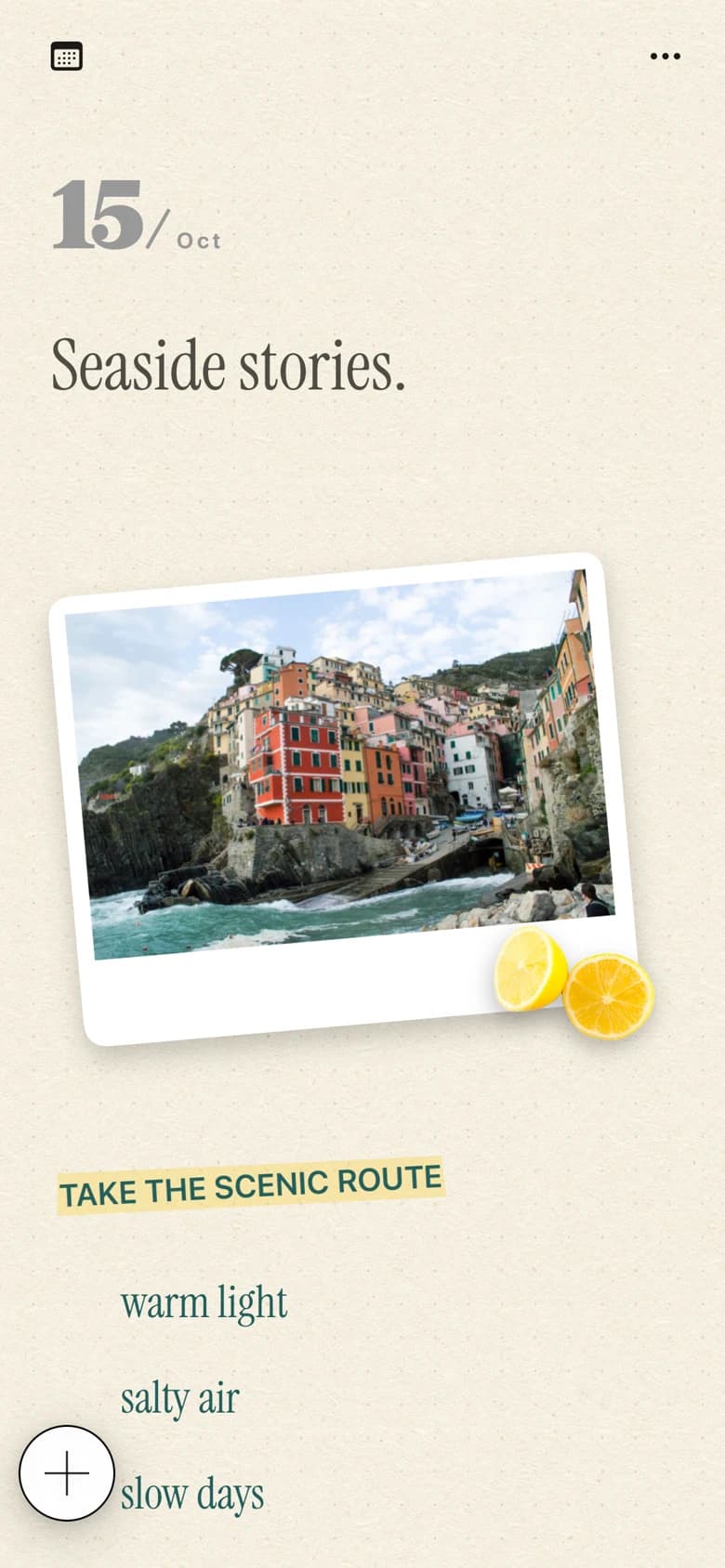
Leave plenty of space, write a little longer, or bring the pieces together. These examples use the same photo, arranged in the real app.
Example pages, not downloadable templates. Some styling uses Pro features.
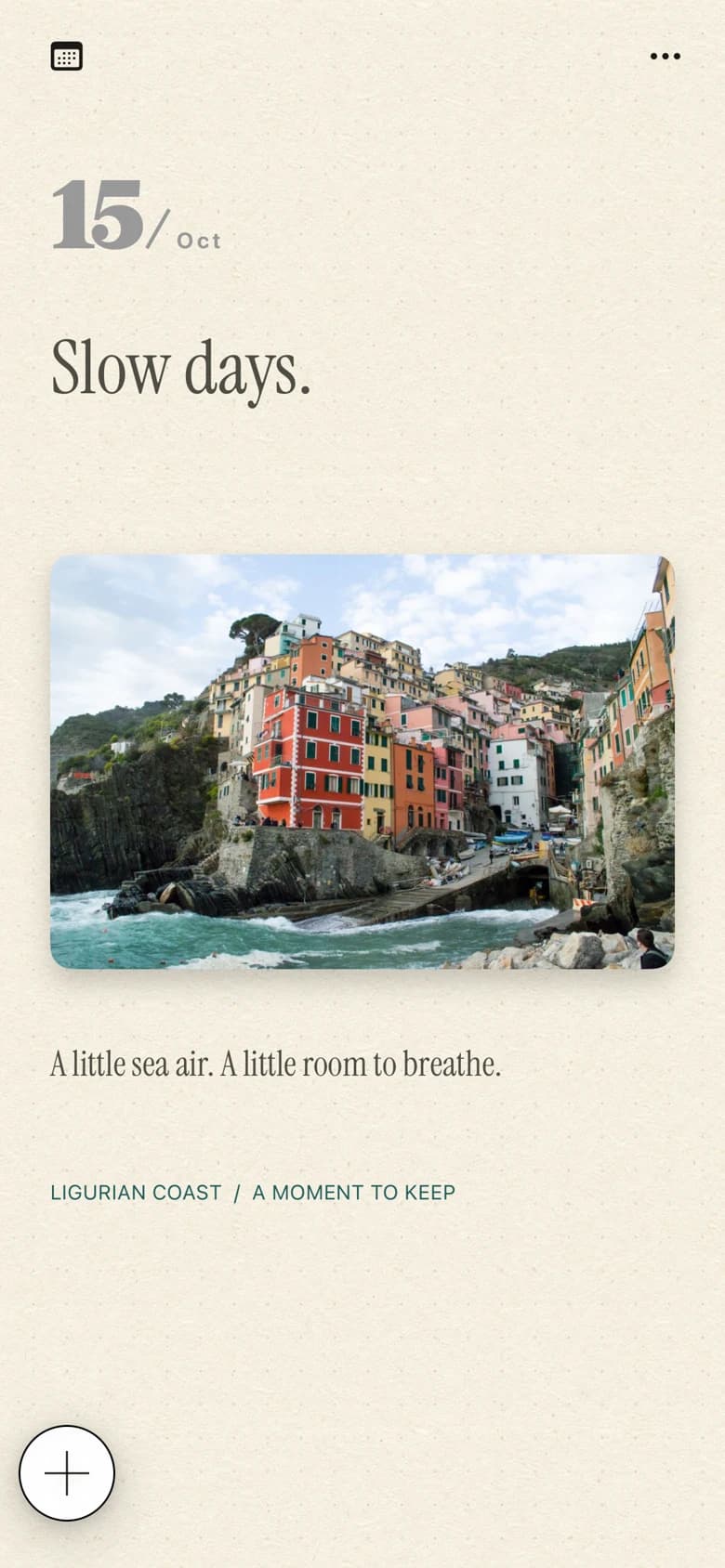
Showing: Minimal
Move and rotate text, change its color, and choose the type that fits the thought.
Place photos alongside your writing. Make a sticker from a photo in Sticker Studio, with subject extraction on your device.
Find a note with search, browse your paper cards, and export a finished page as an image.
PinyPiny is free to download. Pro adds more ways to express yourself; available prices and purchase options appear in the app.
Features & purchase helpYou do not need a big occasion. Start with the thing you already have.
Practical ways to turn the photos on your phone into something personal.
Start with one photo and a moment you want to keep. This guide walks through a small, freely arranged page in PinyPiny using text, a separately placed photo, and a personal sticker. You can follow the same idea on iPad.
Read the guideA photo sticker is a cutout of a subject from one of your pictures. PinyPiny's Sticker Studio offers two starting points: choose a photo you already have, or take a new one. The steps differ slightly, so choose the route that fits your moment.
Read the guideYou do not have to document every hour. Choose one moment you want to bring home and give it a photo, a few words, and some space. These travel journal ideas help you decide what to collect and how to turn it into a page in PinyPiny.
Read the guidePinyPiny is a visual notes and collage journal app for iPhone and iPad. You can combine writing, photos and stickers, style a page, and revisit your notes in a paper-like card stack.
PinyPiny supports iPhone and iPad with iOS 18 or iPadOS 18 or later. The app supports English, Simplified Chinese, Traditional Chinese, Japanese and Korean.
The app is free to download, with optional Pro purchases. Additional papers, fonts, inline photos, special photo styles, animation and iCloud sync are Pro features. Check the app for local prices and available purchase options.
Yes. Your notes are saved locally and core editing works offline. Downloading a font, getting weather, making a purchase or syncing through iCloud needs a connection.
Yes. Export the page as an image and save it to Photos. You can then send that image using your usual apps. This is image export, not a shared editing space.
On your device. Pro includes optional sync through your private Apple iCloud account. PinyPiny does not require a separate account. Website usage statistics do not include your notes or photos.

Your photos. Your words. Your own arrangement.