

Bring back more than the landmark
Take one wide photo to remember the place and one close-up to remember being there: breakfast, a door handle, the book in your bag. Add a line about the weather or the thing that surprised you. These small details give a travel scrapbook its own voice.
A ticket or café receipt can become part of the page through a photograph. Check it for names, reservation numbers, and other private information before including it in an image you intend to share.

Choose a story before choosing a layout
A day page works well with a place name, one main photo, and three short moments in the order you remember them. A food page can use a close-up, the dish name, and the taste you want to describe. A final-trip page might need only one image and the answer to “What will I miss?”
Keep the place or date easy to find. Arrange secondary photos and stickers around the main image, leaving enough space for a readable caption. Use a similar title treatment across entries if you want the trip to feel like one collection.
- Choose one subject: a day, a meal, a neighborhood, or a discovery.
- Place the strongest photo first and add the place name in text.
- Add the short details that explain why this moment belongs in the trip.
Leave yourself a note before the details fade
You can write the rough version on the way back to your room: a photo, a title, and a few unpolished lines. Return later to arrange them. A personal journal does not need to be finished at the same time as the experience.
Basic note editing works offline with content available on your device. Prepare any additional papers or fonts before traveling if you want them with you. Pro iCloud sync and material downloads require a connection, so wait for network access when using those features.
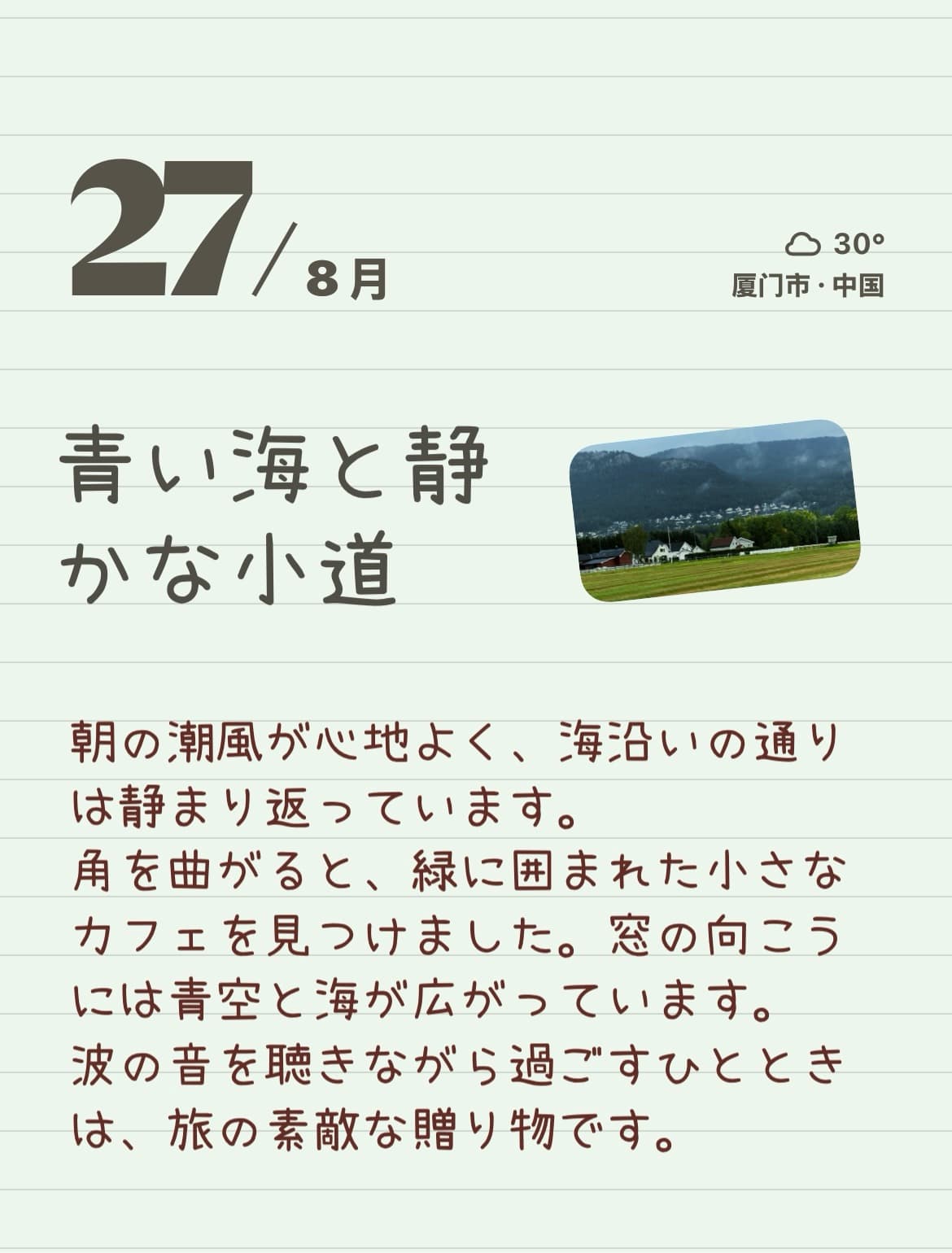
Keep the full story. Share the page you choose.
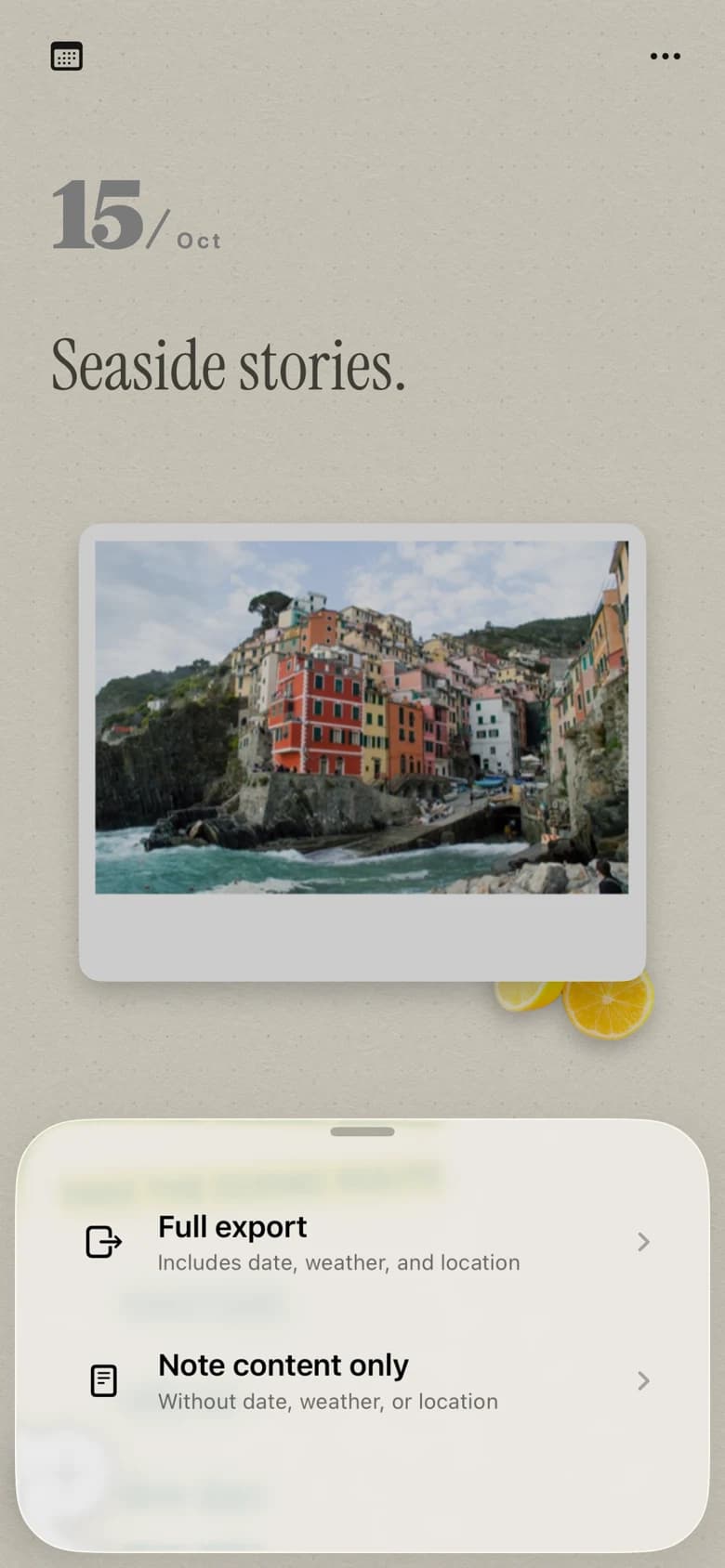
When a page is ready, export it as an image to Photos. That gives you a finished travel postcard to send through the sharing tools you already use, while the note in PinyPiny remains available to edit.
Start with the free text, photo, and sticker tools. Optional Pro features add premium paper and font choices, inline photos, animation, and iCloud sync. You do not need a particular paper or a complicated collage to make the trip feel personal.
Make your first page
You do not have to document every hour. Choose one moment you want to bring home and give it a photo, a few words, and some space. These travel journal ideas help you decide what to collect and how to turn it into a page in PinyPiny.
A travel journal you can start before the trip is over.A few useful answers
What should I put in a travel journal?
Start with a place, a photo, and one detail that might otherwise be forgotten. Meals, sounds, conversations, small purchases, and unexpected turns are useful subjects alongside the main sights.
Can I journal without a network connection?
Yes, basic editing uses notes and content available on your device. Download additional materials beforehand. Pro iCloud sync and new material downloads need a network connection.
Does PinyPiny record my route automatically?
No automatic trip tracking is promised here. These travel pages are made from the photos and words you choose to add yourself.