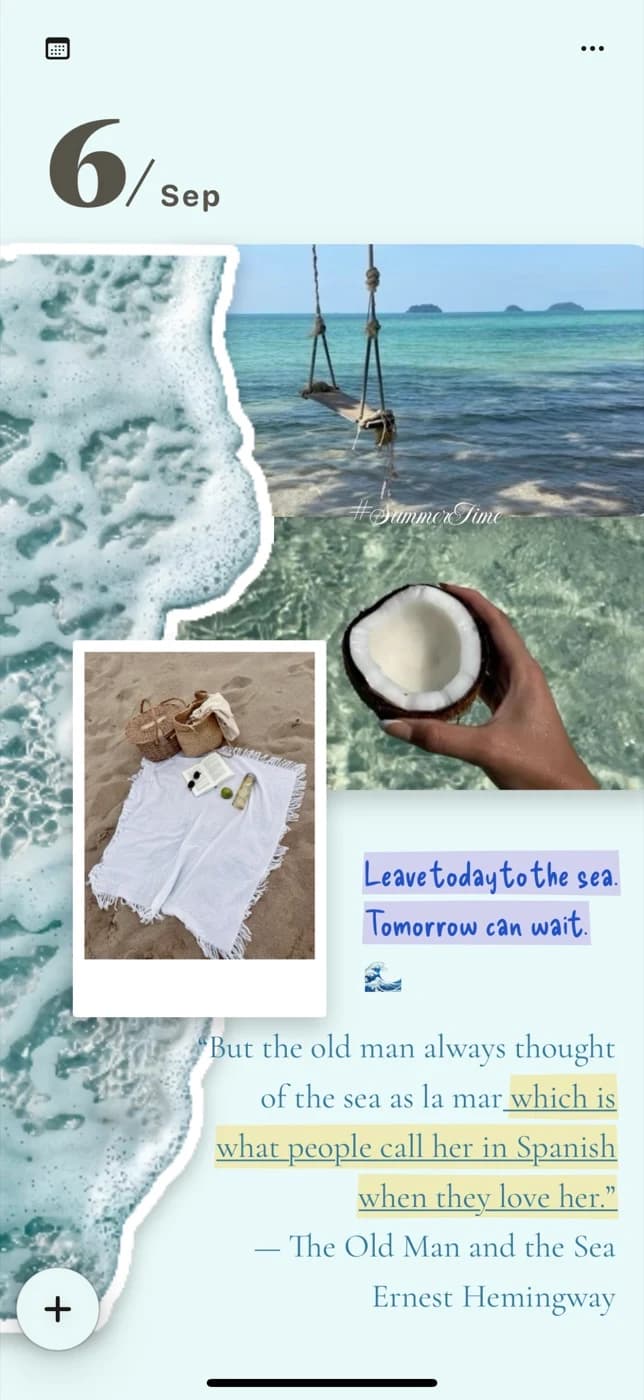
A little help getting started

From your camera roll to a page of your own.

Start a scrapbook, make a sticker from your own photo, or save the details of a trip. These guides use real app steps to help you turn a small idea into a page.

Make your first scrapbook page on iPhone.

5 min read

Make your first scrapbook page on iPhone.

Start with one photo and a moment you want to keep. This guide walks through a small, freely arranged page in PinyPiny using text, a separately placed photo, and a personal sticker. You can follow the same idea on iPad.

Read the guide
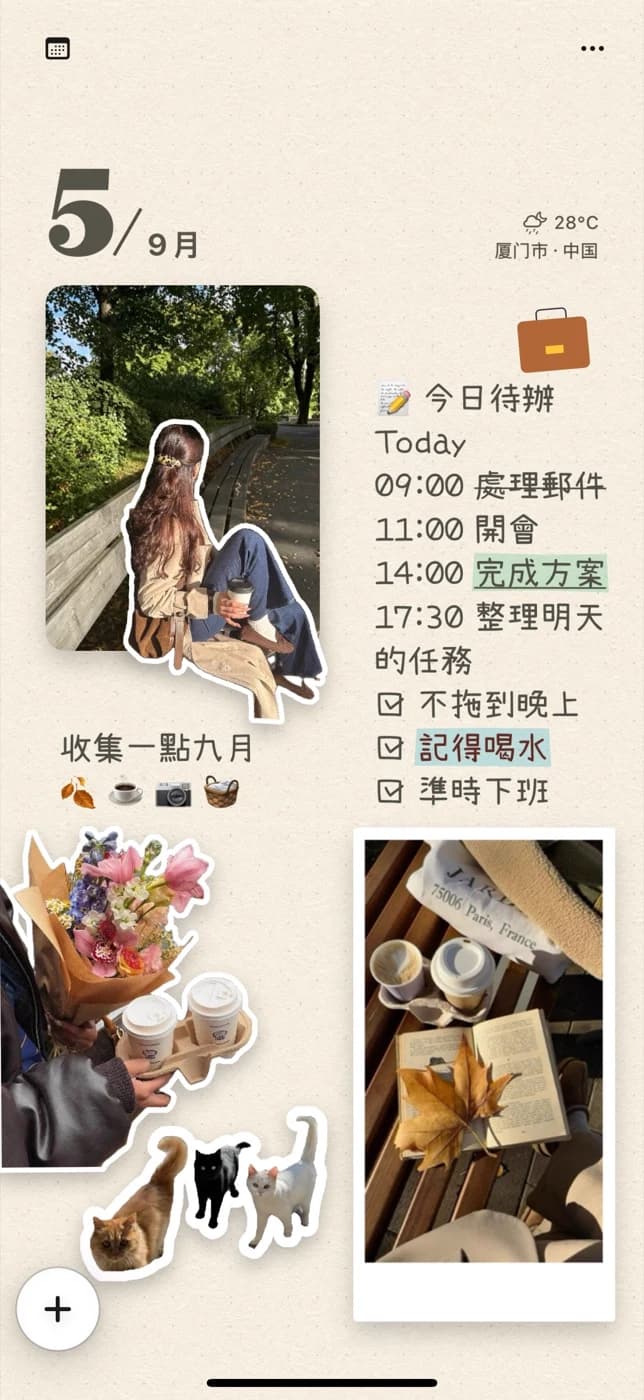
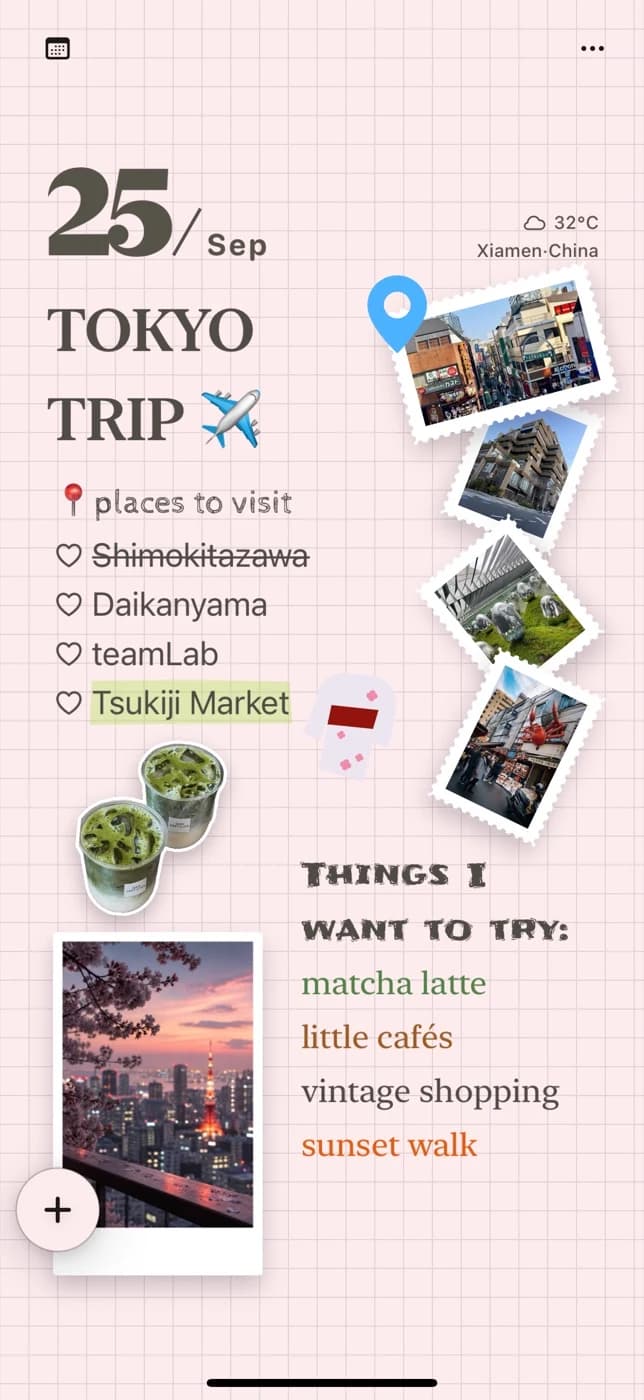
Turn something from your day into a sticker.

4 min read

Turn something from your day into a sticker.

A photo sticker is a cutout of a subject from one of your pictures. PinyPiny's Sticker Studio offers two starting points: choose a photo you already have, or take a new one. The steps differ slightly, so choose the route that fits your moment.

Read the guide

Make the next page yours.

Start with a photo already on your phone. Free to download, with optional Pro.

Download freeApp Store
Send to your iPhone
App Store download QR code

Scan with your iPhone or iPad camera

Open the App Store